
Unmatching
Sometimes a match isn't the right fit, and that's completely normal. Unmatching allows you to remove a conversation when it's no longer working for you.
Important: Unmatching is permanent. Once you unmatch, the conversation disappears and you cannot message that person again.
Note: We are unable to restore a Match on our end.
How to Unmatch Someone:
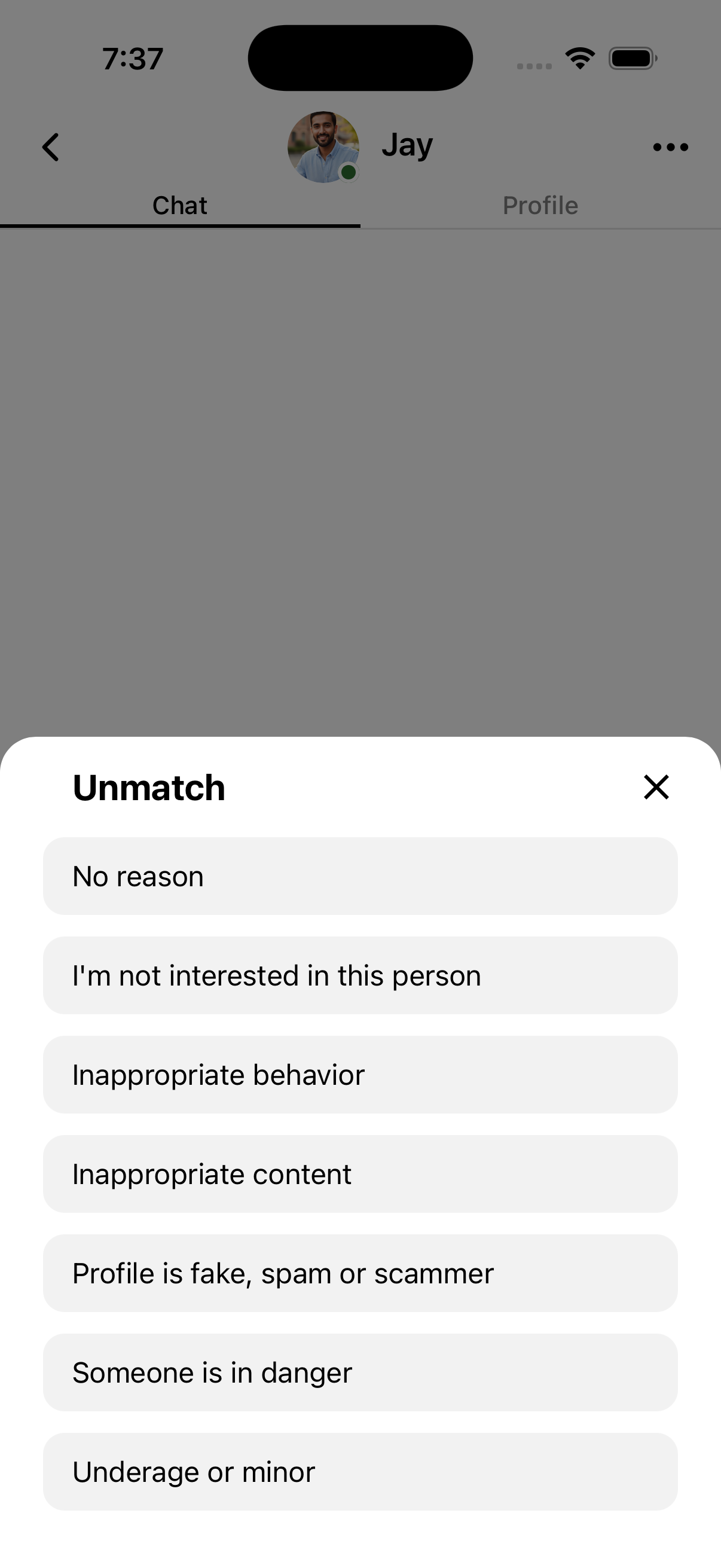
- Open the conversation with the person you want to unmatch
- Tap the three dots in the top right corner
- Select a reason for unmatching
- Tap Unmatch to confirm
Want to organize your chats without unmatching? Consider using the Hide feature instead—it removes conversations from view while keeping the match active.
Why Did a Match Disappear?
If someone you were chatting with is no longer in your Chats, here are the possible reasons:
- They unmatched you (either intentionally or by accident)
- They deleted their OtterHalf account
- Their profile was removed due to a violation of OtterHalf's community guidelines or terms of service
Remember: If you unmatched someone, this action is permanent and cannot be reversed.