
What is Boost?
Want to get noticed faster?
Boost increases your profile visibility, making you more visible to potential matches for 30 minutes.
Think of it as a way to accelerate your dating journey—while meaningful connections take time, extra visibility can help you get there faster.
When your Boost period ends, you'll see a summary showing how many extra people viewed your profile during that time.
Don't worry—other users won't know when you're using Boost.
Purchasing Boost:
To purchase Boost, go to your Profile tab (person icon in navigation). In the "Unlock more" section, you'll see the Boost card showing your available count. Tap the Boost card to purchase more.
You can also purchase Boost from the Likes You page when you have no likes yet.
Premium subscribers receive 1 boost per week. You can purchase additional boosts anytime.
Activating Your Boost:
You can activate a Boost from two places:
- Likes You tab: Tap Activate Boost (when you have no likes yet) or the Boost button in the top right when you have likes.
- Profile tab: Open the Unlock more tab, then tap the Boost card and confirm activation.
If you have a Boost available, you can turn it on immediately from either place.
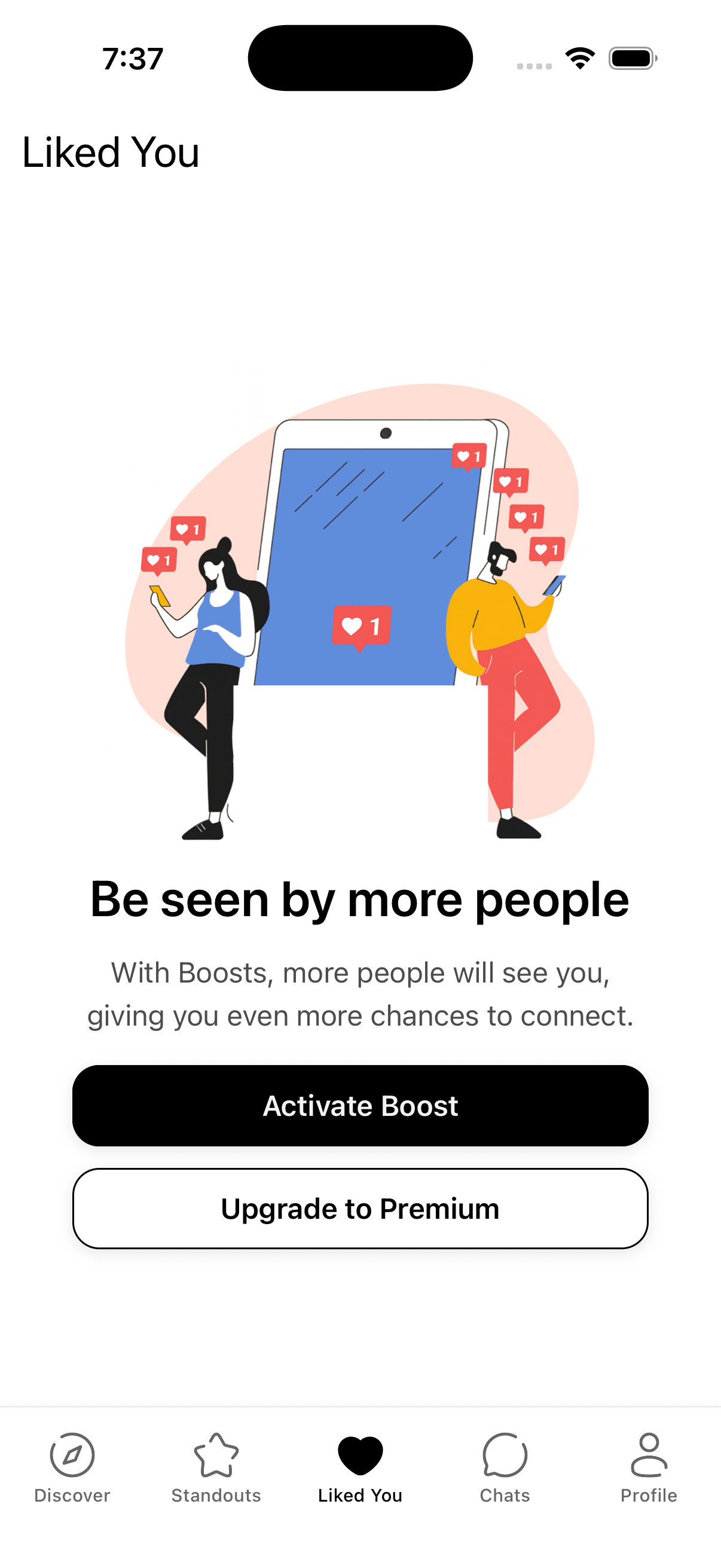
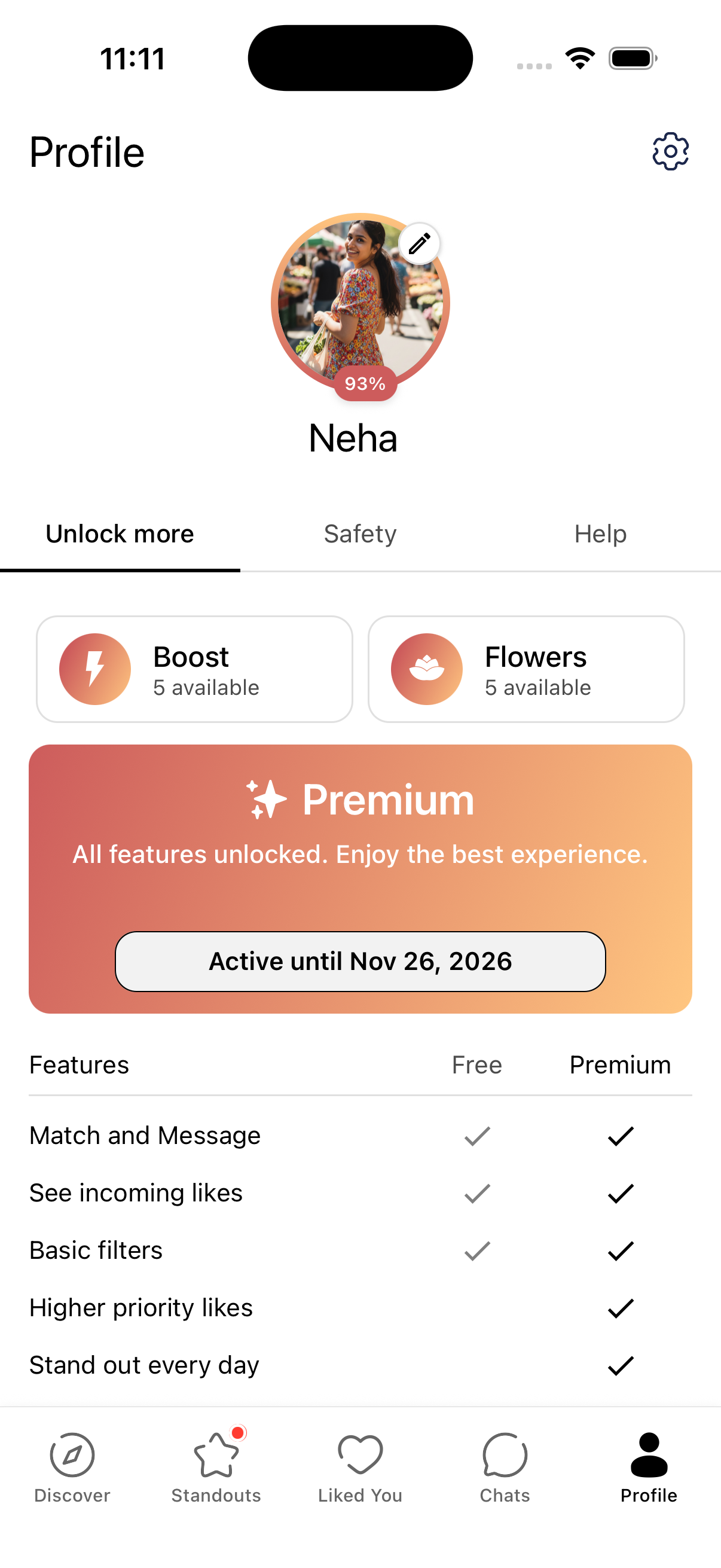
When Boost is active, the button or card will show how much time is left.
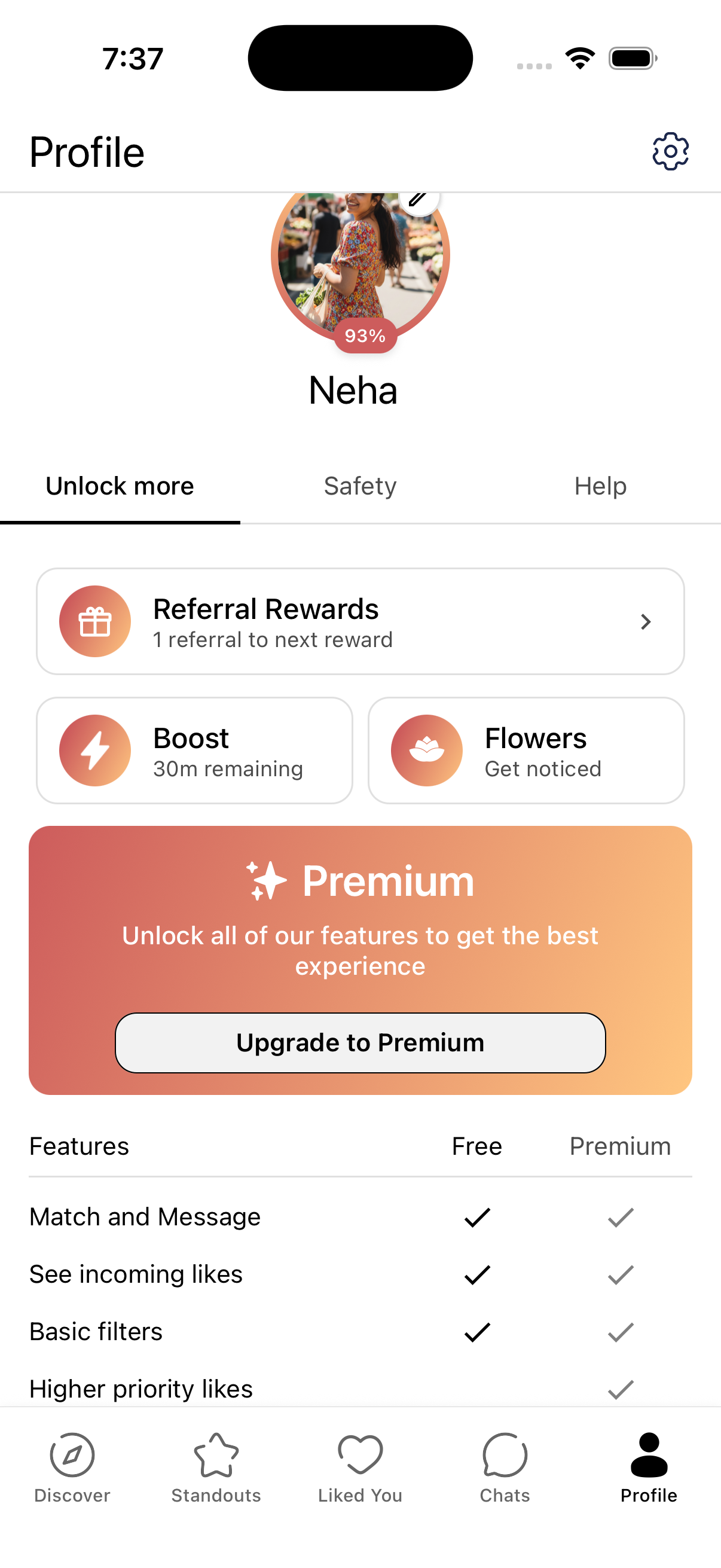
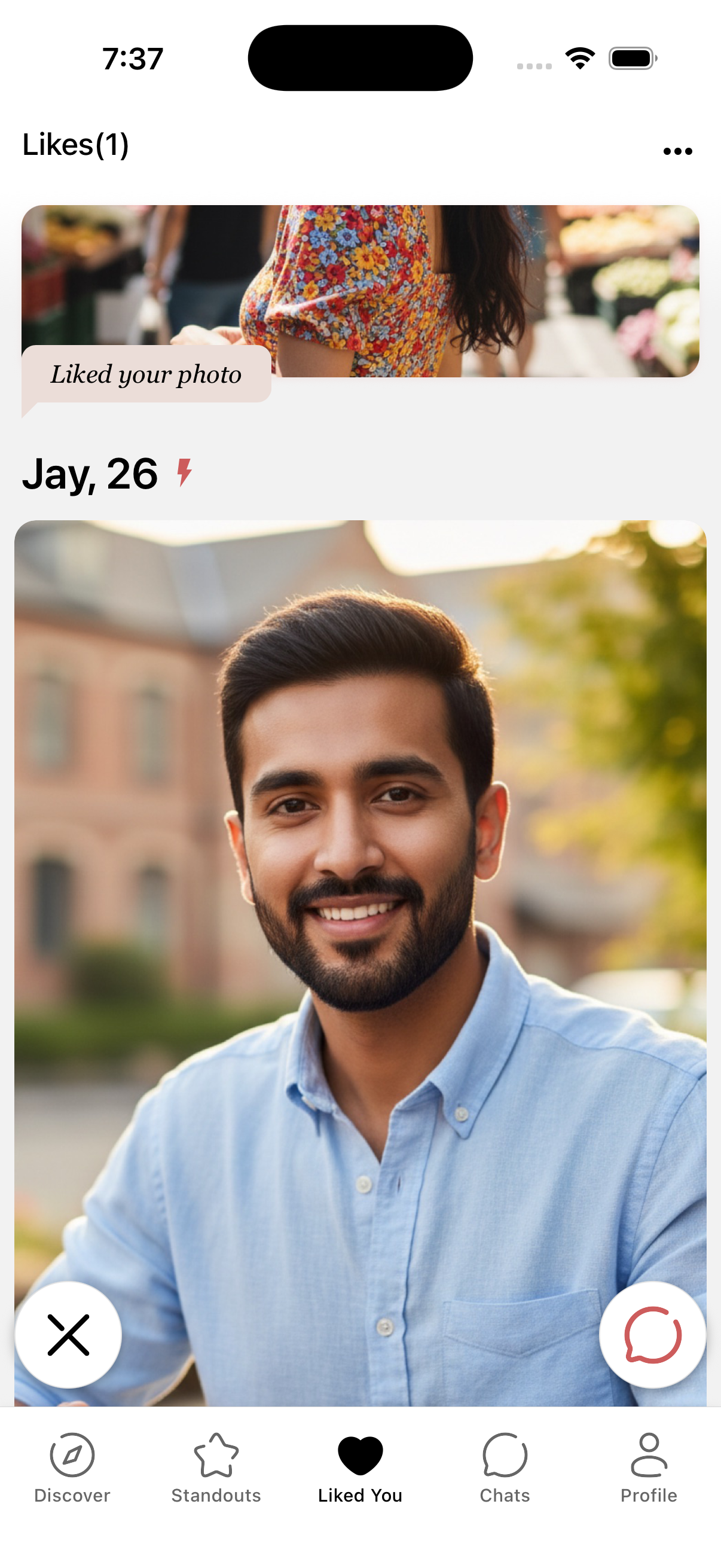
When you receive a like that resulted from your Boost, you'll see a small lightning bolt icon next to that person's name on the Likes You screen.
Once you match, the same lightning bolt appears next to that conversation in Chats so you can see which matches came from your Boost.
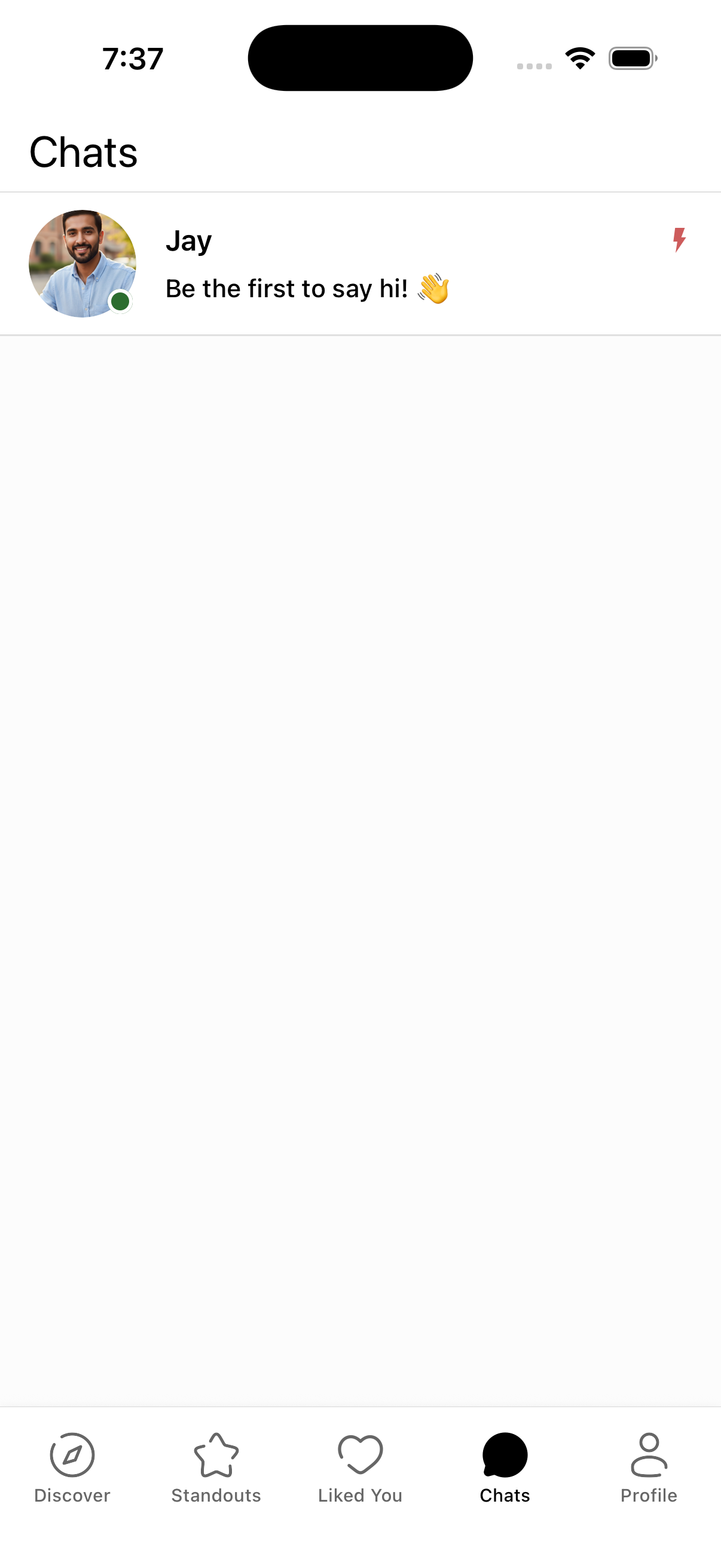
The lightning bolt icon helps you remember which matches came from your Boost. Note: The person who sent the like won't see this icon—it's only visible to you (the person who received the like).