
Last Active Status
OtterHalf includes an activity indicator that shows when members were last active on the app. This helps you gauge how recently someone has been using the platform. You may see "Active now" or "Active today" displayed next to profile photos.
Managing Your Activity Visibility:
- Tap the Profile tab (far right of the navigation bar)
- Tap the Gear icon to open Settings
- Scroll to the Profile section and locate the "Show Last Active Status" toggle.
- Control your visibility:
- Enable: Turn the toggle on to show your activity status to others browsing profiles.
- Disable: Turn the toggle off (gray) to hide your activity status from others.
- Your preferences are saved automatically when you toggle the switch.
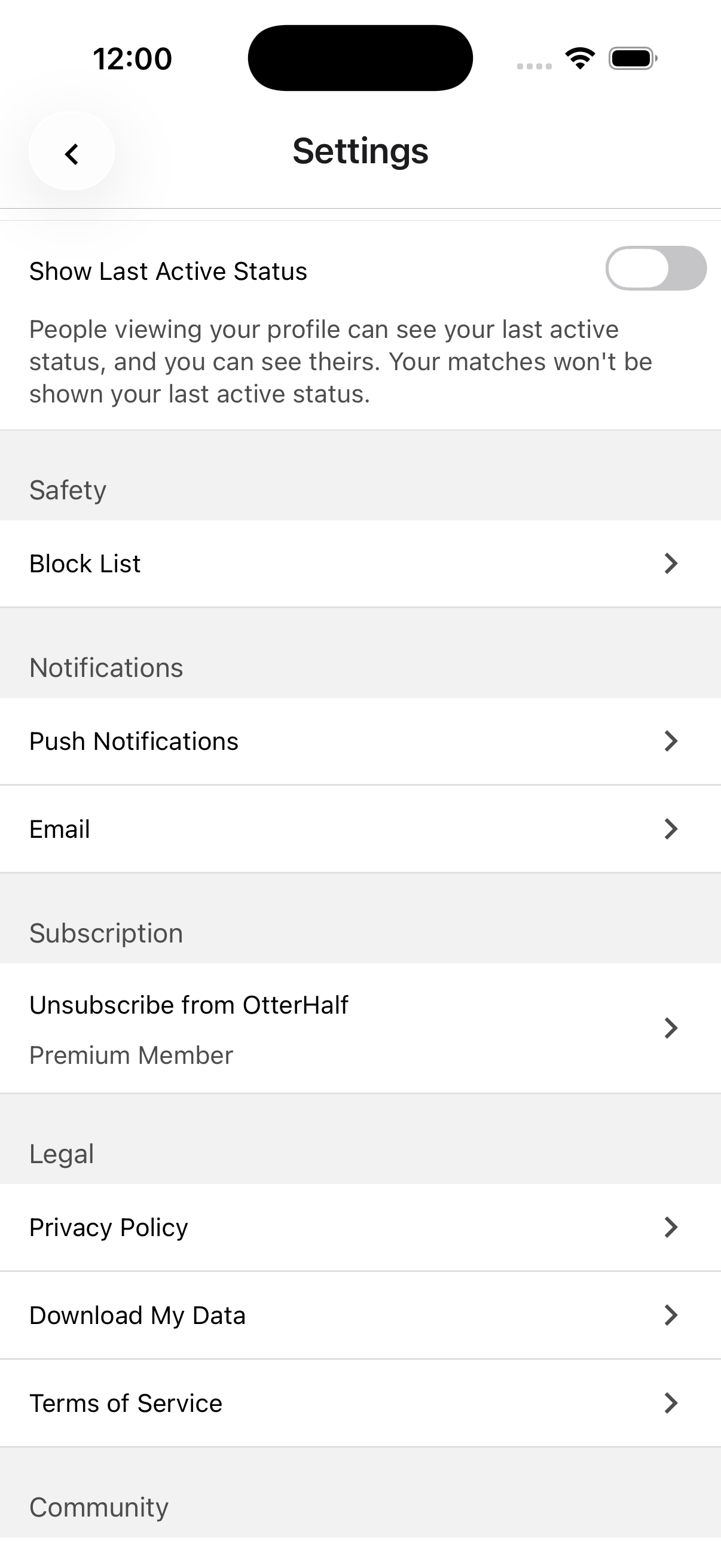
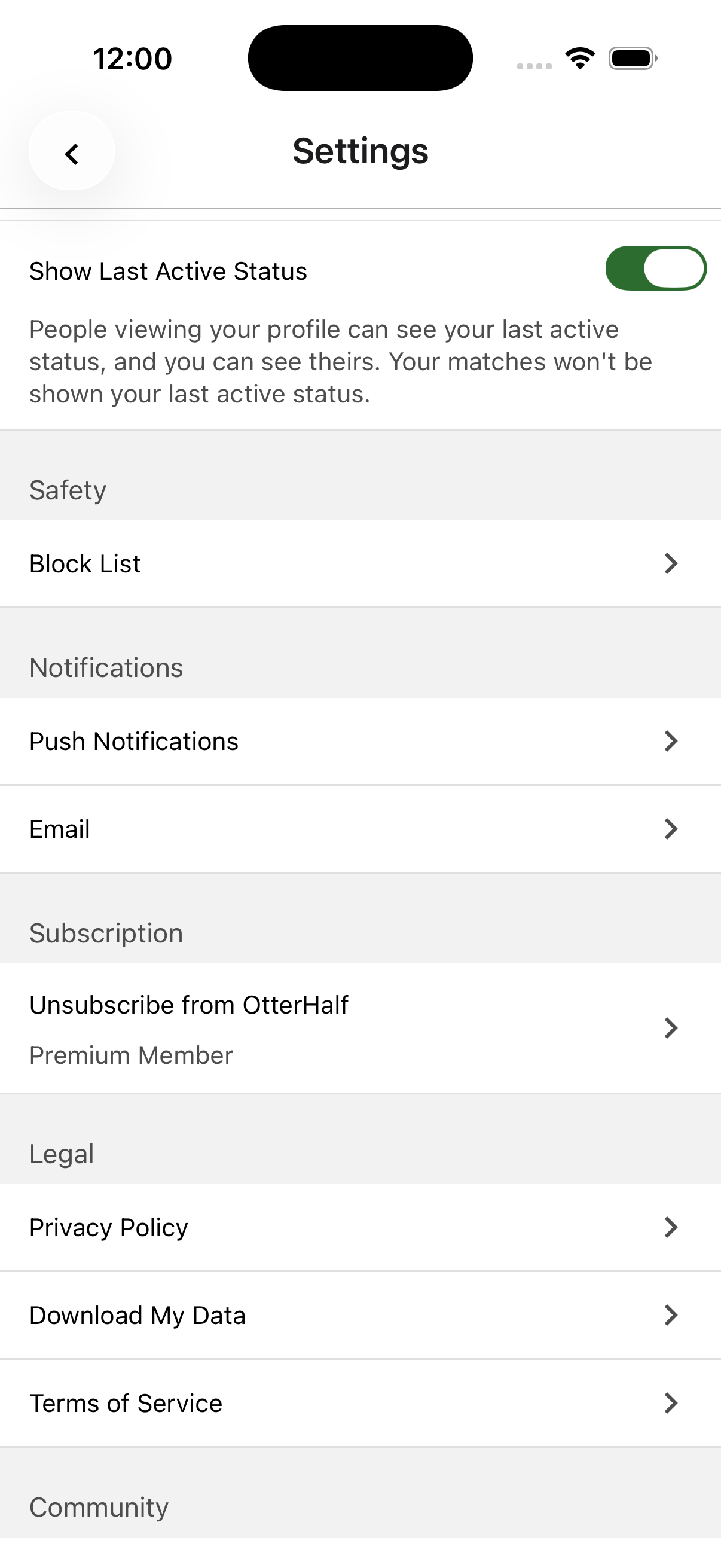
When you disable activity status visibility, you won't be able to see other members' activity status either. This ensures privacy for everyone.
Your existing matches in Chats cannot see your Last Active status. This feature is only visible when browsing profiles in Discover, Standouts, or the Likes You section.
Why you might not see someone's activity status:
- They have disabled activity status visibility in their settings
- They haven't used the app within the last 24 hours
- You have disabled activity status visibility on your own profile